
Interactive Installations for Visitor Centres & Experience Centres
A modern visitor centre should do more than display information on walls. It should help visitors explore, understand and remember the organisation, destination, development or story behind the space.
This is where a visitor centre interactive installation can add value.
Touchscreens, interactive maps, physical models, sensors, projection and digital content can turn information into experiences that visitors actively explore instead of passively reading.
However, adding more screens does not automatically create a better visitor centre. The technology should support a clear visitor journey and give each interactive station a specific purpose.
MyDigital Asia develops interactive technology solutions in Malaysia for visitor centres, experience centres, corporate galleries and similar spaces, combining digital content, software and physical technology according to the project requirements.
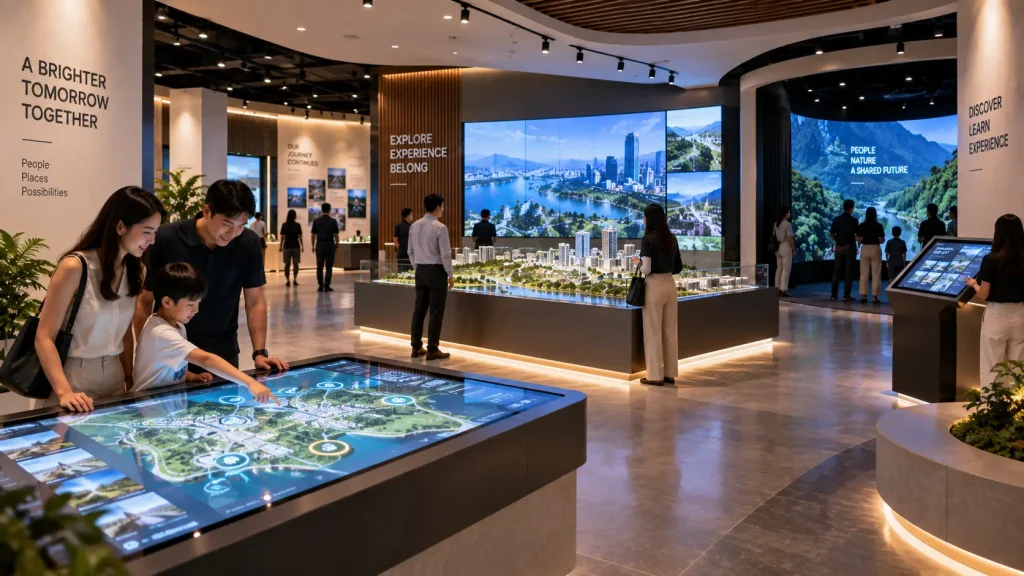
Visitor Centre Interactive Technology at a Glance
| Visitor Need | Interactive Approach |
|---|---|
| Understand the overall location or development | Interactive map or physical model with digital information |
| Explore a large amount of information | Touchscreen information explorer |
| Understand a process or technical system | 3D visualisation, animation or interactive product display |
| Experience a story or environment | Immersive projection or large-format digital content |
| Encourage participation | Sensor-based interaction, interactive games or activities |
| Serve different visitor groups | Multilingual and selectable digital content |
Start With the Visitor Journey, Not the Technology
One of the most common planning mistakes is deciding on the equipment before deciding what visitors should experience.
A project may begin with requests such as:
“We want several touchscreens.”
or:
“Can we create an immersive room here?”
These technologies may be suitable, but the more important questions come first:
- Who will visit the centre?
- What should they understand before leaving?
- How much time will they typically spend in the space?
- Which information needs detailed exploration?
- Which parts of the story are better shown visually?
- Where should visitors stop, interact and move next?
Once these questions are answered, each technology can be assigned a clear role within the overall journey.
This avoids creating a room filled with digital displays that all communicate information in essentially the same way.
What Can an Interactive Visitor Centre Include?
A visitor or experience centre can combine several types of installations. They do not all need to use the same interaction method.
1. Interactive Welcome Experience
The entrance should quickly establish what the visitor is about to experience.
A welcome installation might use a large digital display, motion-responsive content or a visually strong introduction that reacts when visitors approach.
The interaction should normally remain simple at this stage. Visitors have just entered the space and should not need to understand a complicated interface before moving forward.
The purpose is to create orientation and interest, not to deliver every piece of information immediately.
2. Interactive Maps
Interactive maps are useful when the centre represents a large physical environment such as a township, industrial facility, tourism destination, campus or property development.
Visitors can select locations, zones or facilities and reveal additional information without displaying everything simultaneously.
An interactive map may be presented on:
- A vertical touchscreen
- A horizontal touch table
- A large interactive display
- A physical scale model connected to digital content
- A custom 3D map application
The right format depends on the amount of information, number of users and physical space available.
For projects focused specifically on mapping systems, see our interactive maps Malaysia guide.
3. Physical Model + Digital Information
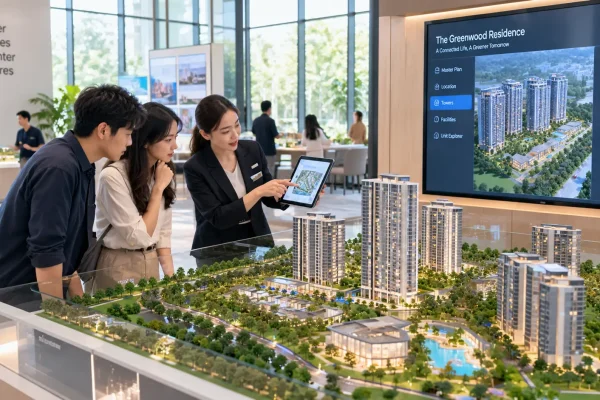
A physical scale model can remain a powerful centrepiece, especially for property developments, infrastructure projects, industrial facilities and masterplans.
Digital interaction can extend what the physical model communicates.
For example, a visitor could select a zone from a touchscreen and the corresponding area on the physical model could be highlighted while supporting information appears on a nearby display.
This creates a connection between the tangible model and deeper digital information without replacing the physical exhibit.
4. Interactive Timeline or Corporate Story
Traditional history walls can become difficult to read when an organisation has decades of information to present.
An interactive timeline allows visitors to choose periods, milestones, projects or categories rather than seeing every item at once.
The experience might combine:
- Archive photographs
- Videos
- Major milestones
- Product development
- Leadership history
- Project achievements
- Historical documents
The interface should make exploration easy without hiding important information behind too many levels of navigation.
5. Interactive Product or Technology Explorer
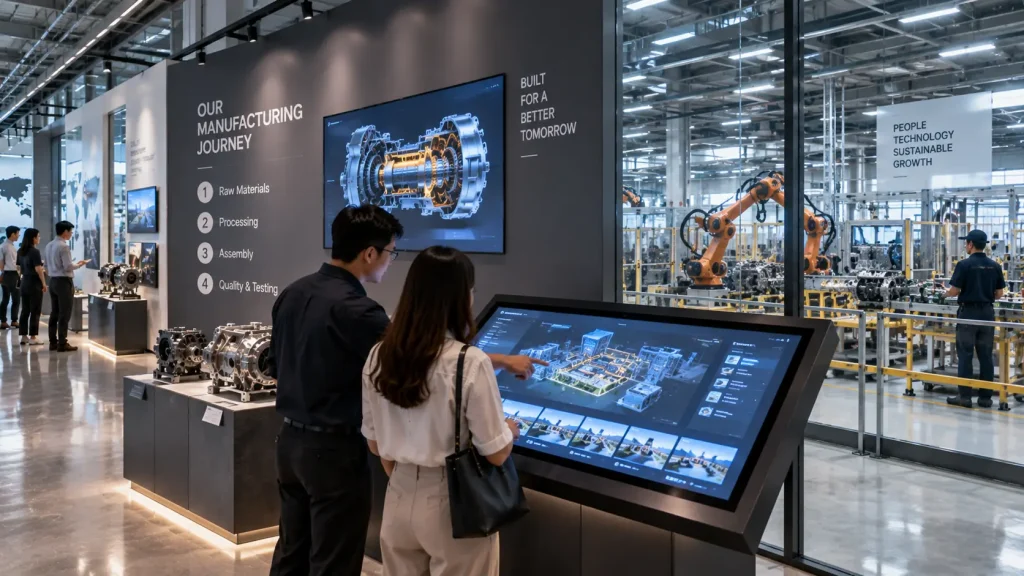
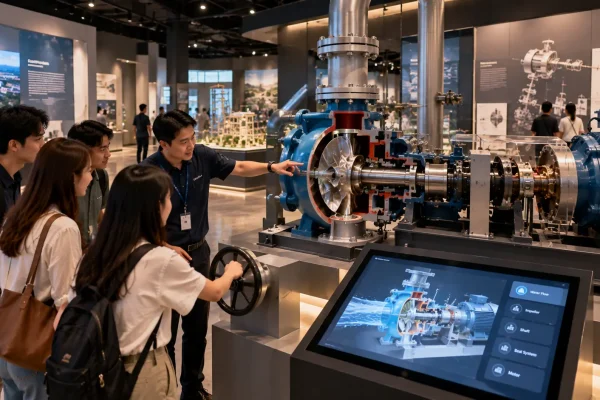
Experience centres for engineering, automotive, manufacturing or technology companies often need to explain products that are too large, complex or inaccessible to demonstrate physically.
A digital product explorer can allow visitors to:
- Rotate a 3D model
- Select individual components
- View internal systems
- Compare configurations
- Play installation or process animations
- Explore specifications and features
Where possible, the digital content can be positioned beside the real physical product so that technology supports the exhibit rather than replacing it.
6. Process Visualisation
Some organisations need to explain processes that visitors cannot normally see.
Examples include manufacturing lines, logistics systems, engineering processes, energy flows, treatment systems or construction sequences.
Animation and interactive visualisation can simplify these processes by allowing visitors to explore them step by step.
This is particularly useful when the real process is physically inaccessible, too large, too slow or too complex to demonstrate inside the visitor centre.
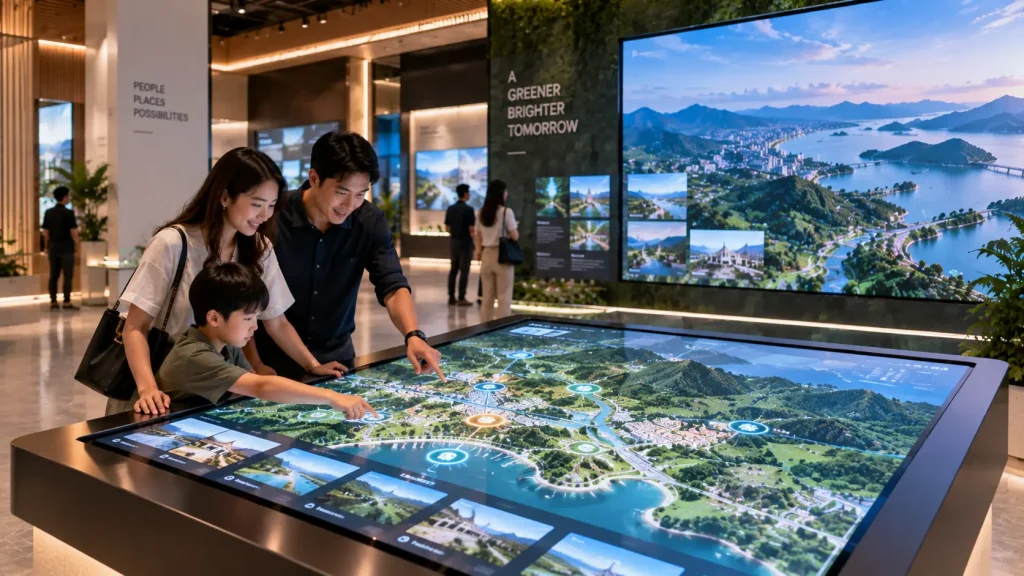
Touchscreen Experiences: Where Do They Work Best?
Touchscreens are one of the most practical technologies for visitor centres because most visitors already understand how to use them.
They work especially well when users need to:
- Browse detailed information
- Choose between topics
- Explore maps
- Compare products
- View photos and videos
- Navigate through a timeline
- Interact with 3D models
However, a visitor centre does not necessarily need a touchscreen at every station.
If every exhibit uses the same interaction pattern — approach screen, touch menu, read information — the overall experience can become repetitive.
A stronger visitor journey may combine touch interaction with physical exhibits, larger visual experiences and passive storytelling sections.
Sensor-Based Interactive Experiences
Motion and depth sensors can create interaction without requiring visitors to touch a screen.
For example, visitors might move their hands or bodies to affect digital graphics, reveal information or interact with an environmental scene.
This type of experience can work particularly well for:
- Children and family zones
- Interactive walls
- Environmental or nature content
- Public engagement areas
- Movement-based educational activities
The interaction should be visually understandable. Visitors should be able to recognise that their movement is affecting the content without requiring lengthy instructions.
Sensor coverage, interaction distance, lighting and expected number of users should also be considered during technical planning.
See our sensor-based interactive installation guide for a more detailed explanation of tracking systems.
Immersive Spaces Inside Visitor Centres
Not every part of a visitor centre needs to be interactive at an individual level.
Sometimes the objective is to bring a group of visitors into a shared visual environment.
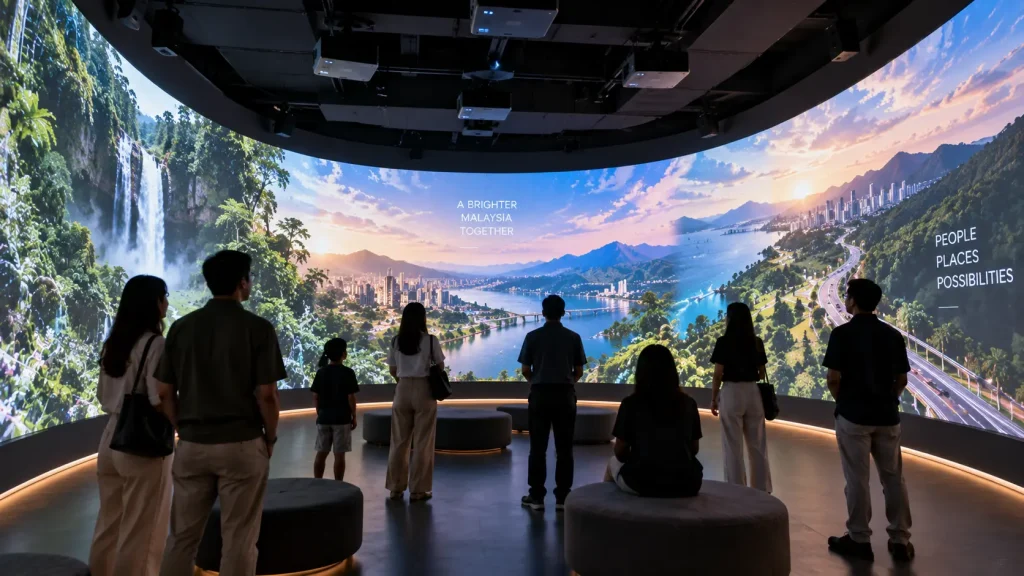
An immersive room or projection space can be used for:
- Opening presentations
- Destination storytelling
- Environmental experiences
- Corporate vision stories
- Historical sequences
- Future development visualisation
The room may use multiple projection surfaces, synchronised content and spatial audio depending on the required experience.
Interaction can be added where it contributes to the story, but it should not be included simply because sensors are available.
For broader planning of this type of environment, see our immersive experience Malaysia guide.
Designing for Different Types of Visitors
A visitor centre may receive school groups in the morning, corporate guests in the afternoon and families on weekends.
The same installation therefore needs to work for people with different levels of knowledge, ages and available time.
Useful design considerations include:
- Clear interaction without complicated instructions
- Readable content from the intended viewing distance
- Multiple language options where required
- Short paths for casual visitors
- Deeper information for visitors who want to explore
- Appropriate touchscreen heights and interaction zones
- Enough space for groups to gather without blocking circulation
The objective is not to force every visitor through exactly the same amount of content.
A good interactive visitor experience allows people to understand the main story quickly while providing deeper layers for those who choose to explore further.
Planning the Physical Space Around Interaction
Interactive technology should be planned together with the physical environment rather than added after the interior has already been finalised.
The layout needs to consider where visitors will stand, how groups will gather and how people move from one experience to the next.
Important spatial considerations include:
- Viewing and interaction distance
- Visitor circulation
- Queue or waiting space
- Wheelchair accessibility
- Screen and touchscreen height
- Sensor detection zones
- Projector throw distance where applicable
- Ambient lighting
- Speaker positioning
- Equipment and maintenance access
For example, a large interactive wall may technically fit within a space, but the experience will not work properly if visitors cannot stand far enough away for the sensor to detect their movement.
Similarly, a touchscreen positioned along a narrow circulation route may cause visitors to block people moving through the centre.
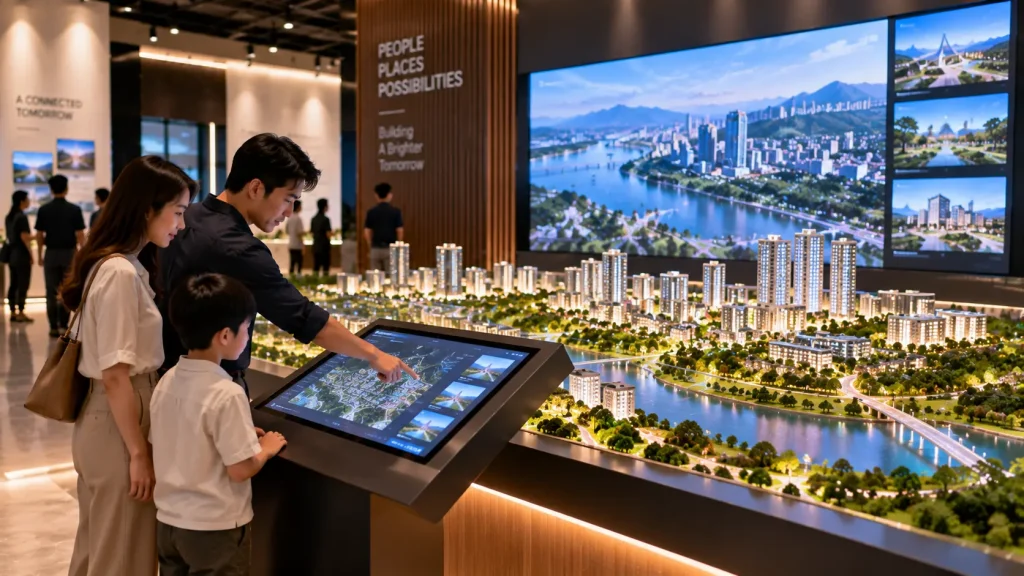
Content Is as Important as the Hardware
A visitor centre can have excellent hardware and still deliver a weak experience if the content is not designed around the audience.
Digital content should answer a simple question:
What does this technology allow us to communicate better than a static panel?
Interactive content can be particularly useful when information needs to be explored, compared, visualised or personalised.
Depending on the project, content may include:
- 2D and 3D animation
- Interactive maps
- Product models
- Historical media
- Process visualisations
- Video
- Real-time graphics
- Interactive games
- Multilingual information
Long paragraphs copied directly from brochures are rarely the best use of an interactive display. Content should be adapted for screen-based exploration with clear visual hierarchy and manageable information layers.
Technical Requirements for a Visitor Centre Installation
Because visitor centres are usually permanent or long-term installations, technical planning needs to consider more than the opening day.
| Technical Area | What to Consider |
|---|---|
| Displays | Size, brightness, resolution, operating hours and mounting |
| Touch Systems | Touch technology, user height, screen orientation and accessibility |
| Sensors | Detection area, mounting position, number of users and surrounding conditions |
| Computers | Performance requirements, ventilation and maintenance access |
| Projection | Brightness, surface, throw distance, mounting and ambient light |
| Network | Whether content or system functions require internet or local network access |
| Audio | Volume control, sound spill and whether multiple exhibits operate nearby |
| Maintenance | Access to hardware without dismantling the entire exhibit |
These requirements should ideally be coordinated with the interior designer, exhibition designer, contractor and technology team before fabrication begins.
Can the Visitor Centre Operate Without Technical Staff?
For a permanent installation, daily operation should normally be designed to be as straightforward as possible.
Depending on the project, systems can be configured around a defined startup and shutdown procedure so that venue staff do not need to manually launch multiple applications every morning.
Operational planning may include:
- Automatic application launch
- Scheduled display operation
- Simple restart procedures
- Restricted access to operating controls
- Basic troubleshooting guidance
- Content update procedures
However, the appropriate level of automation depends on the hardware and software used. Critical equipment should also remain physically accessible for maintenance.
How Should a Visitor Centre Be Planned?
A useful planning sequence is:
- Define the objective — What should visitors understand or remember?
- Identify the audiences — Who will use the centre and how will their needs differ?
- Plan the visitor journey — What should visitors encounter first, next and last?
- Divide the story into zones — Determine what each part of the space needs to communicate.
- Choose the interaction — Decide where touch, movement, physical objects or passive media make sense.
- Select the technology — Determine suitable displays, sensors, projection and computing hardware.
- Develop the content — Design information, graphics, animation and interactive media for each experience.
- Integrate with the interior — Coordinate structures, power, network, mounting and cable routes.
- Test with real users — Check whether the interaction is understandable before final deployment.
- Plan long-term operation — Consider startup, maintenance, updates and technical support.
This process helps prevent technology decisions from controlling the visitor experience.
For broader project planning, see our interactive installation design guide.
What Affects the Project Budget?
The cost of a visitor centre interactive installation depends on the number and complexity of experiences rather than simply the total floor area.
Important quotation factors include:
- Number of interactive zones
- Display and touchscreen requirements
- Sensor and tracking technology
- Projection systems
- Custom software development
- 2D and 3D content production
- Physical models and technology integration
- Custom fabrication
- Installation and calibration
- System testing
- Training and long-term support requirements
A visitor centre with three carefully designed interactive experiences may therefore have a very different scope from another centre of the same size containing ten digital stations.
See our interactive installation cost Malaysia guide for a detailed breakdown of the factors that influence quotation.
What Should You Prepare Before Requesting a Proposal?
You do not need to decide every technology before speaking with an interactive installation provider.
The most useful starting information includes:
- Floor plan and available dimensions
- Photos or videos of the existing space
- Purpose of the visitor or experience centre
- Main visitor groups
- Key stories, products or information to communicate
- Expected visitor capacity
- Existing interior or exhibition concept
- Available content and assets
- Target opening date
- Approximate project budget, if established
If the project is still at an early stage, reference images or videos can also help communicate the desired experience even when the technical approach has not yet been decided.
How MyDigital Asia Supports Visitor Centre Projects
MyDigital Asia develops interactive and digital experiences for visitor centres, experience centres, corporate galleries and similar environments in Malaysia.
Depending on the project, the scope can include:
- Interactive experience concept development
- Visitor journey and interaction planning
- Touchscreen applications
- Interactive maps
- Sensor and motion-based experiences
- Interactive physical exhibits
- Projection and immersive experiences
- Custom interactive software
- 2D and 3D animation
- Hardware integration
- Installation and calibration
- Testing and operating guidance
The objective is to build a connected visitor experience rather than simply placing unrelated technologies around the room.
Frequently Asked Questions
What interactive technology is suitable for a visitor centre?
The appropriate technology depends on the information and visitor experience required. Common options include touchscreens, interactive maps, physical models connected to digital content, sensors, large displays and immersive projection.
Should every exhibit in a visitor centre be interactive?
No. Interactive technology is most useful when visitor participation improves understanding or engagement. Static displays, physical exhibits and passive digital content can still play important roles within the overall journey.
Can existing physical models be made interactive?
Potentially. Existing models can sometimes be integrated with lighting, touchscreen controls or digital displays depending on their construction, accessibility and the type of interaction required.
Can the system support multiple languages?
Yes. Digital interfaces can be designed with language selection where required. The content structure and translations should be planned early so that all languages work properly within the interface.
Can visitor centre content be updated later?
Yes, if future updates are considered during the system design. The appropriate method depends on how frequently the content changes and whether updates involve simple media replacement or changes to the interactive application itself.
How early should interactive technology be planned?
Ideally, interactive systems should be considered while the visitor journey and interior are still being designed. Early coordination makes it easier to plan power, network, mounting, sensor positions, equipment access and physical fabrication.
Planning a Visitor or Experience Centre in Malaysia?
If you are developing a new visitor centre, corporate experience centre, gallery or interactive information space, begin with the visitor journey rather than a list of equipment.
Send MyDigital Asia your floor plan, available space, target audience, content requirements and reference concepts. We can evaluate where interactive technology can contribute meaningfully and recommend an appropriate system approach.
The goal is not to make every wall digital. It is to use technology where it makes the visitor experience clearer, more engaging and easier to explore.
Related Guides
- Interactive Installation Malaysia: Design, Technology & Applications
- Interactive Installation Cost in Malaysia
- Interactive Installations for Museums & Galleries
- Interactive Installations for Corporate Showrooms
- Sensor-Based Interactive Installations: How They Work
- How to Plan an Interactive Installation Project
Request a Free Consultation
Looking for Interactive Maps, Interactive Solutions or Event Technology?

LATEST POSTS