
Interactive Installation Cost in Malaysia: What Affects the Budget?
How much does an interactive installation cost in Malaysia?
Unlike renting a standard LED screen or purchasing a standalone display, there is rarely one fixed price for an interactive installation. The final budget depends on the combination of hardware, interaction technology, software, digital content, physical installation and technical support required to create the experience.
A simple touchscreen information experience and a multi-user sensor-based installation may occupy a similar amount of space, but their development requirements can be very different.
For this reason, the most useful way to estimate an interactive installation is to first define what visitors should be able to do, then determine the system required to make that interaction work reliably.
If you are still exploring the overall technology, start with our interactive installation Malaysia guide.
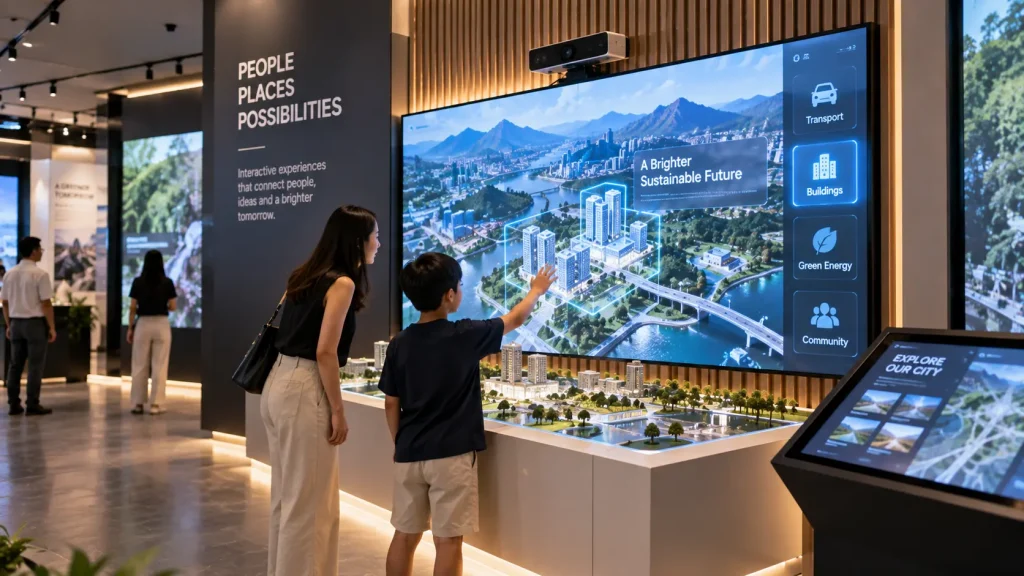
Interactive Installation Cost at a Glance
| Cost Component | What Affects It? |
|---|---|
| Display Hardware | Screen type, size, quantity, brightness, touch capability or projection requirements |
| Interaction Hardware | Touch, motion tracking, depth cameras, sensors, scanners, RFID/NFC or physical controls |
| Software | Interaction complexity, number of functions, real-time processing and system integrations |
| Digital Content | UI design, animation, 3D models, games, videos and interactive graphics |
| Physical Installation | Mounting, fabrication, structure, cabling, equipment housing and venue conditions |
| Deployment | Installation location, setup time, calibration, testing and technical manpower |
| Operation & Support | Event duration, permanent operation, on-site technicians and maintenance requirements |
Why Interactive Installation Prices Vary So Much
Clients sometimes begin a quotation request with a physical measurement such as:
“We have a 4-metre wall. How much would an interactive installation cost?”
The wall size is useful, but it does not provide enough information to determine the system.
The same wall could be used for:
- A large touchscreen information display
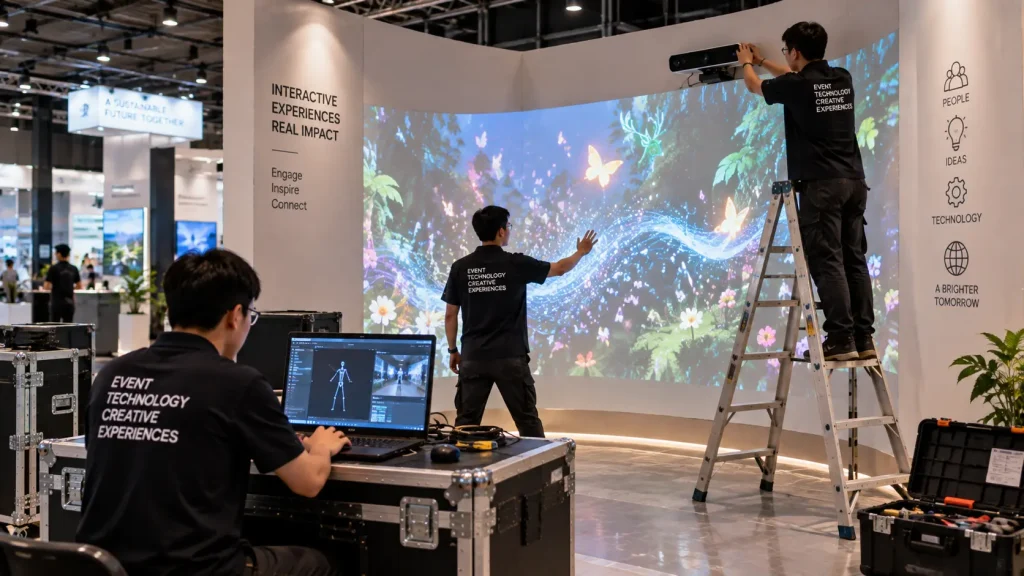
- A sensor-based interactive wall
- A projected interactive experience
- A multi-screen product explorer
- An interactive game
- A physical exhibit with digitally triggered content
Each option requires a different combination of equipment, software and content.
This is why interactive installation quotations should be based on the complete user experience and technical requirement, rather than using area alone as the pricing method.
1. Display Technology
The visual output is usually one of the first hardware decisions.
Depending on the project, the installation might use:
- Commercial displays
- Touchscreens
- LED screens
- Projectors
- Multiple synchronised displays
- Existing client-provided screens
Screen size alone does not determine cost. Commercial-grade operation, brightness, resolution, touch functionality, mounting method and operating duration can all affect the equipment required.
Touchscreen vs Standard Display
If visitors need direct touch interaction, the display must either include touch functionality or use an appropriate touch overlay or interactive system.
A standard television may be suitable for showing content, but it does not automatically become an interactive display simply by connecting it to an interactive application.
Touchscreen projects should therefore consider both the display and the interaction hardware.
Projection
Projection pricing depends on factors such as image size, ambient light, throw distance, projection surface and projector positioning.
A large image does not always mean that one larger projector is the correct solution. Some spaces may require multiple projectors, specialised lenses or image blending to achieve the required coverage.
Projects primarily involving mapped projection should be evaluated separately through the appropriate projection system design rather than treated as a standard interactive display.
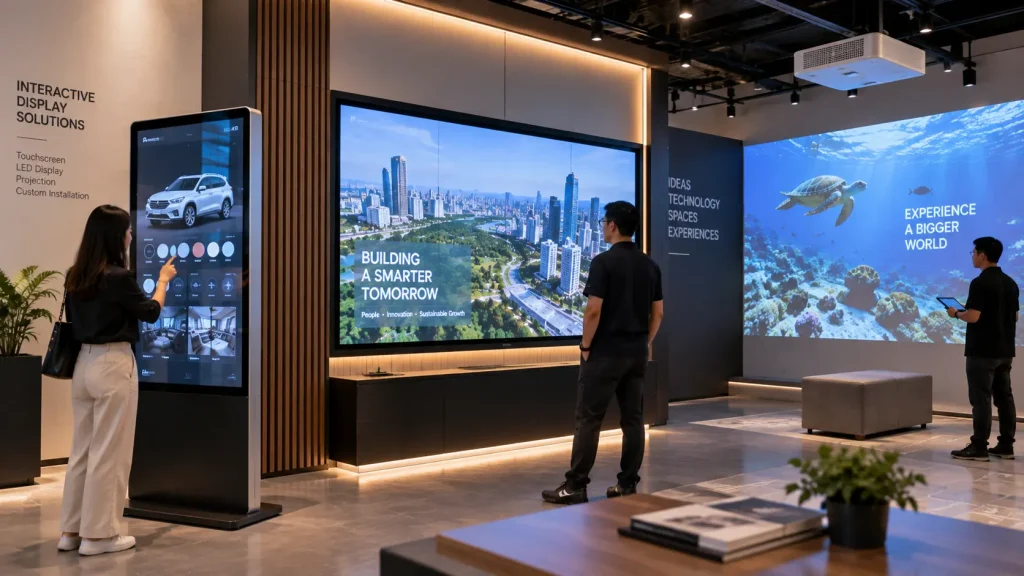
2. Interaction Technology
The way visitors control the experience has a major influence on system complexity.
A touchscreen has a relatively defined interaction area: the user touches a known coordinate on the display.
Motion-based interaction is different. The system may need to determine:
- Where a visitor is standing
- Whether a person has entered the active zone
- Which user is being tracked
- How hands or body movements should affect the content
- What happens when multiple people interact simultaneously
This can require depth cameras, tracking sensors and additional software logic.
For a deeper explanation of these systems, see our sensor-based interactive installation guide.
Simple Input vs Complex Tracking
A physical push button that triggers an animation is generally simpler than an installation that continuously tracks several visitors and responds to their body movements in real time.
Therefore, when controlling the budget, it is useful to ask:
Does this experience genuinely need advanced tracking, or can a simpler interaction deliver the same visitor outcome?
Choosing the simplest reliable interaction can often produce a better experience than adding technology purely for novelty.
3. Custom Software Development
Interactive installations require software to connect visitor input with the intended digital response.
The amount of development depends on what the system needs to do.
A relatively focused application might allow visitors to select several products and view corresponding information.
A more complex system could involve:
- Real-time sensor tracking
- Multi-user interaction
- Game logic and scoring
- 3D product exploration
- Database integration
- QR-generated personalised results
- Multiple displays communicating with one another
- Integration with physical devices
- Custom administrative controls
Adding features increases not only development work but also testing requirements.
For example, a system that works for one visitor may need additional logic if ten visitors can interact at the same time.
4. Content Production
Software controls the experience, but content is what visitors actually see.
Interactive installation content may include:
- User interface design
- Graphic design
- 2D animation
- 3D modelling and animation
- Product visualisation
- Interactive maps
- Game graphics
- Video
- Sound design
The amount of original content required can significantly affect the project scope.
For example, displaying information supplied by the client is different from creating multiple detailed 3D product models and animations from engineering references.
Existing Content Can Sometimes Reduce Production Work
If usable brand assets, videos, 3D models, drawings, product images or approved copy already exist, they may be incorporated into the experience where technically suitable.
However, existing assets should still be reviewed for resolution, format and suitability for interactive use.
A 3D model created for engineering purposes, for example, may require optimisation before it can run smoothly in a real-time interactive application.
5. Number of Interactive Stations
Another important question is whether the project needs one interactive experience or several.
Multiple stations can affect:
- Number of screens
- Number of sensors
- Computing hardware
- Network requirements
- Physical fabrication
- Software deployment
- Installation time
- Testing and support
However, duplicating a completed system is not necessarily the same as developing several completely different experiences.
If five stations use the same application and content, part of the development may be reusable. If all five stations perform different functions, the scope can be substantially larger.
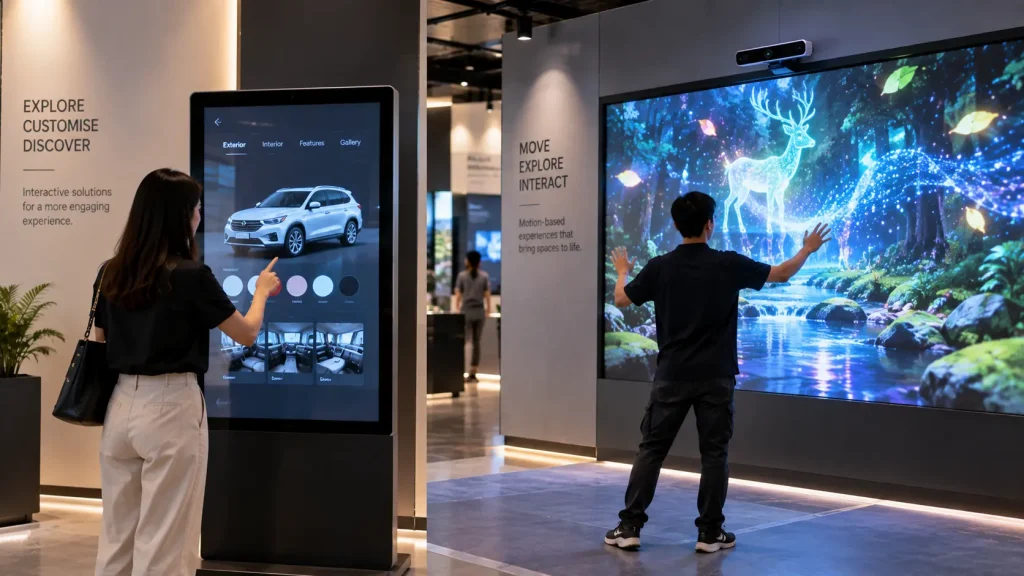
6. Physical Fabrication and Integration
An interactive installation also exists in a real physical environment.
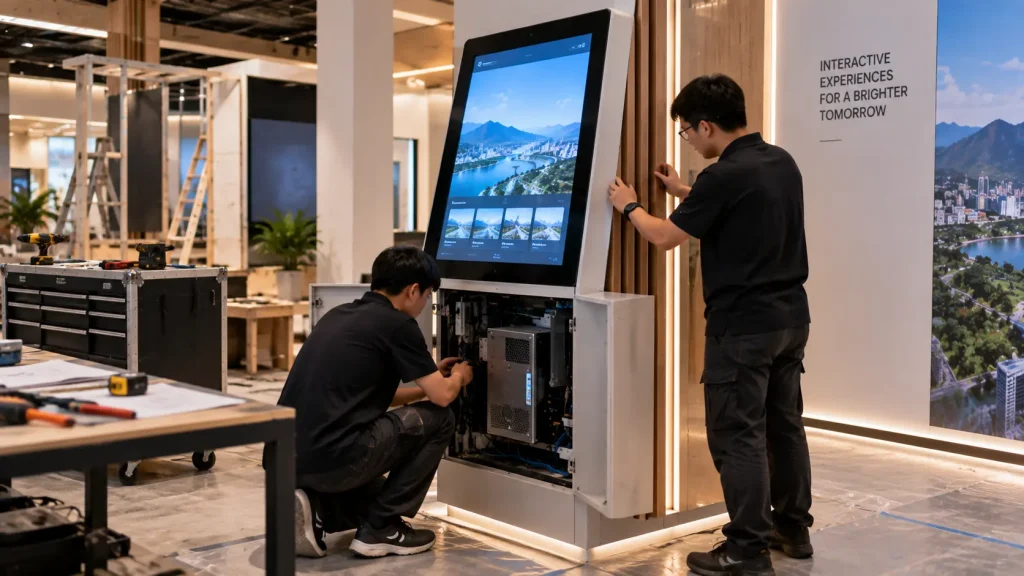
Displays may need to be built into walls, kiosks or custom structures. Sensors require suitable positions. Computers and control equipment need ventilation and maintenance access. Cables must be routed safely.
Physical requirements can include:
- Custom kiosk fabrication
- Display mounting
- Equipment cabinets
- Sensor brackets
- Protective glass
- Truss or support structures
- Cable management
- Electrical work
- Finishing and branding
For a temporary exhibition, the structure may be designed for fast setup and dismantling.
For a permanent visitor centre or showroom, the installation may need to integrate closely with interior design and remain accessible for future maintenance.
This distinction is explored further in our permanent vs temporary interactive installation guide.
7. Venue Conditions and Installation Complexity
The venue itself can change the technical approach and therefore the project cost.
An installation inside a controlled corporate showroom is different from one operating in a bright shopping mall, temporary exhibition booth or outdoor activation.
Important site conditions include:
- Available floor and wall space
- Ceiling height
- Ambient lighting
- Power supply
- Network availability
- Mounting restrictions
- Projector throw distance where applicable
- Sensor positioning and detection area
- Visitor traffic and interaction distance
- Access for installation and dismantling
For more complex installations, a site survey can help identify these constraints before hardware and fabrication are finalised.
This is particularly important when the concept depends on exact physical relationships between visitors, sensors, screens, projectors and the surrounding architecture.
8. Temporary Rental vs Permanent Installation
Whether the system is required for a short event or long-term operation changes how the project should be budgeted.
| Requirement | Temporary / Event | Permanent Installation |
|---|---|---|
| Hardware | Rental equipment may be suitable | Commercial-grade equipment may be preferred |
| Structure | Designed for setup and dismantling | Can be integrated into the interior |
| Technical support | Often concentrated around event days | Maintenance and long-term support may be required |
| Operation | Can be managed by event crew | Daily operation should be simple and repeatable |
| Content | Usually campaign-specific | Future updates may need to be considered |
Permanent installations may also require considerations such as ventilation, equipment access, automatic startup, shutdown procedures and replacement of hardware in the future.
Therefore, comparing an event rental quotation directly with a permanent installation quotation can be misleading even when the visible experience appears similar.
9. Installation, Testing and Technical Support
The project is not complete when the hardware arrives at the venue.
Interactive systems normally require installation, configuration and testing before visitors can use them reliably.
Depending on the system, deployment work may include:
- Hardware installation
- Computer and display configuration
- Software deployment
- Sensor positioning
- Touch calibration
- Projection alignment
- Network configuration
- Interaction testing
- Content testing
- User acceptance testing
Event projects may also require technicians on standby during operating hours, especially when the installation is central to the activation.
For permanent installations, the support requirement may instead focus on training, troubleshooting procedures and longer-term maintenance.
How to Control the Budget Without Weakening the Experience
Reducing cost does not always mean reducing screen size or removing hardware. Often, the better approach is to simplify the experience strategically.
Focus on One Strong Interaction
An installation with one clear interaction can be more effective than a system containing many features that visitors do not understand or use.
For example, instead of combining touchscreen navigation, motion tracking, QR scanning and physical buttons in one experience, the project may only need one or two interaction methods.
Prioritise the Most Important Content
If a product range contains dozens of items, not every product necessarily requires its own custom 3D animation.
Content can be prioritised around the products, processes or messages that benefit most from interactive explanation.
Reuse Suitable Existing Assets
Existing videos, images, CAD files, 3D models and approved brand assets may reduce content production work when they are technically suitable for the new system.
Design for the Actual Audience
A complex interaction is unnecessary if visitors only have 20 seconds to engage with the installation.
Conversely, an information-heavy touchscreen may be appropriate in a visitor centre where users have several minutes to explore.
Matching the interaction to the actual visitor journey can prevent spending on features that do not improve the experience.
Separate Essential Features from Optional Features
For projects with a defined budget, it can be useful to divide the concept into:
- Core experience — features required for the installation to achieve its objective
- Enhanced features — additions that improve the experience but are not essential
- Future expansion — features that can potentially be introduced later
This gives the project team more flexibility when balancing creative ambition with budget.
What Information Is Needed for an Accurate Quotation?
You do not need to prepare a complete technical specification before requesting an interactive installation quotation.
However, providing the following information can make the initial proposal significantly more accurate:
| Information | Why It Matters |
|---|---|
| Project type | Helps determine whether the installation is for an event, exhibition or permanent environment |
| Venue and location | Affects installation conditions and logistics |
| Event date / installation period | Determines production timeline and operating duration |
| Available dimensions | Helps determine suitable display and interaction coverage |
| Venue photos or drawings | Helps identify physical and technical constraints |
| Visitor objective | Defines what the interaction actually needs to achieve |
| Reference images or videos | Helps communicate the expected experience |
| Existing hardware or content | Allows potentially reusable assets to be evaluated |
| Budget range | Helps develop a concept at an appropriate technical level |
If the technical solution has not yet been decided, describe the experience instead.
For example:
“We want visitors to stand in front of the wall and control the graphics using body movement.”
This is usually more useful during the early concept stage than specifying a particular sensor model before the interaction has been designed.
How MyDigital Asia Approaches Interactive Installation Quotations
MyDigital Asia develops interactive installation solutions around the project objective, physical environment and visitor experience.
Depending on the scope, a project may involve:
- Concept and interaction planning
- Touchscreen systems
- Motion and sensor-based interaction
- Interactive games
- Projection and immersive technology
- Interactive maps and information systems
- Custom software development
- 2D and 3D content production
- Hardware integration
- Physical installation and calibration
- Event deployment and technical support
The objective is not to add as much technology as possible. The system should use the appropriate technology to create an experience that works within the venue, audience requirements and available budget.
Frequently Asked Questions
How much does an interactive installation cost in Malaysia?
There is no universal price because the scope can range from a focused touchscreen application to a large sensor-based or multi-display installation. Hardware, software, content, fabrication, installation and support all influence the final quotation.
Is a touchscreen interactive installation cheaper than a sensor-based installation?
Not necessarily in every case, but touchscreen interaction is often more straightforward to define. Sensor-based installations may require additional tracking hardware, calibration and real-time interaction development depending on the experience.
Can I use my existing screen or projector?
Potentially. Existing equipment should be checked for size, resolution, brightness, connectivity, performance and compatibility with the proposed interaction before it is included in the final system.
Can an interactive installation be rented for an event?
Yes. Temporary interactive installations can be developed for exhibitions, corporate events, roadshows and brand activations. The quotation may combine rental hardware with customised software and content.
Can the same interactive system be reused for future events?
It may be possible to design the software and content structure for reuse, depending on the hardware, branding, venue requirements and how much the experience needs to change between events. This should ideally be considered during the initial project planning.
Do you need a site visit before providing a quotation?
Not always. An initial proposal can often be developed using dimensions, photos, videos and drawings. A site survey may be recommended before final confirmation when projector positioning, sensor coverage, fabrication or venue infrastructure is critical to the installation.
Request an Interactive Installation Quotation
If you are planning an interactive installation in Malaysia, send MyDigital Asia your project brief, venue information, dimensions and reference materials.
If you do not yet know which technology to use, describe what you want visitors to experience. We can evaluate suitable approaches based on the interaction, physical space, project duration and budget requirements.
The more useful question is not simply “How much does an interactive installation cost?” but “What system is actually required to create the intended experience?”
Related Guides
- Interactive Installation Malaysia: Design, Technology & Applications
- Interactive Installations for Visitor Centres & Experience Centres
- Sensor-Based Interactive Installations: How They Work
- Permanent vs Temporary Interactive Installations
- How to Plan an Interactive Installation Project
Request a Free Consultation
Looking for Interactive Maps, Interactive Solutions or Event Technology?

LATEST POSTS