
10 Interactive Table Ideas for Events, Museums & Experience Centres
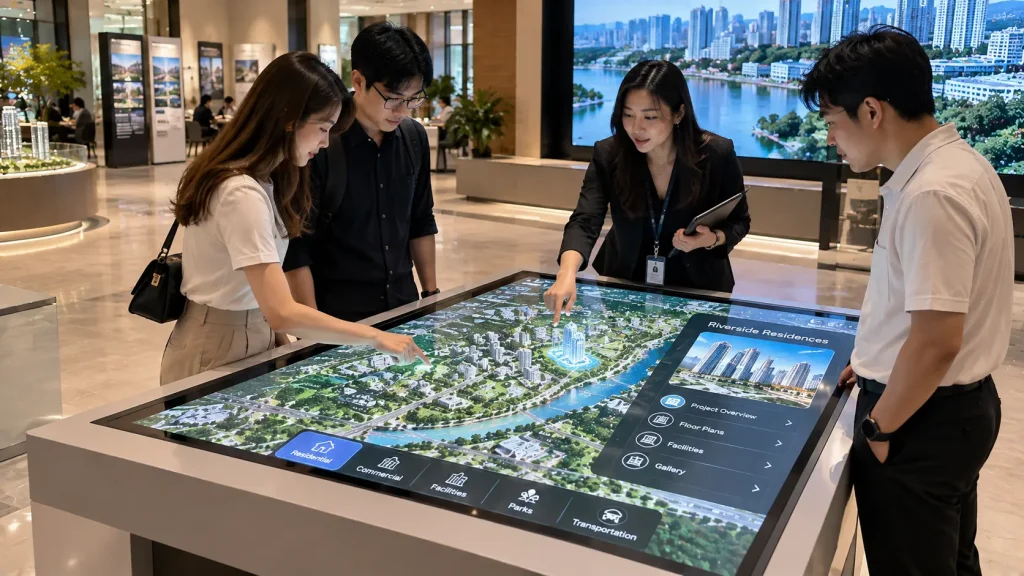
Interactive table ideas offer a practical way to turn ordinary displays into engaging, hands-on experiences. From exploring property developments to comparing products and discovering museum collections, interactive tables encourage visitors to participate rather than simply watch.
Depending on the application, these installations can use touchscreen displays, projection mapping, object recognition or physical controls.
Here are 10 interactive table concepts for exhibitions, museums, corporate experience centres and visitor attractions in Malaysia.
1. Interactive Property Masterplan Table
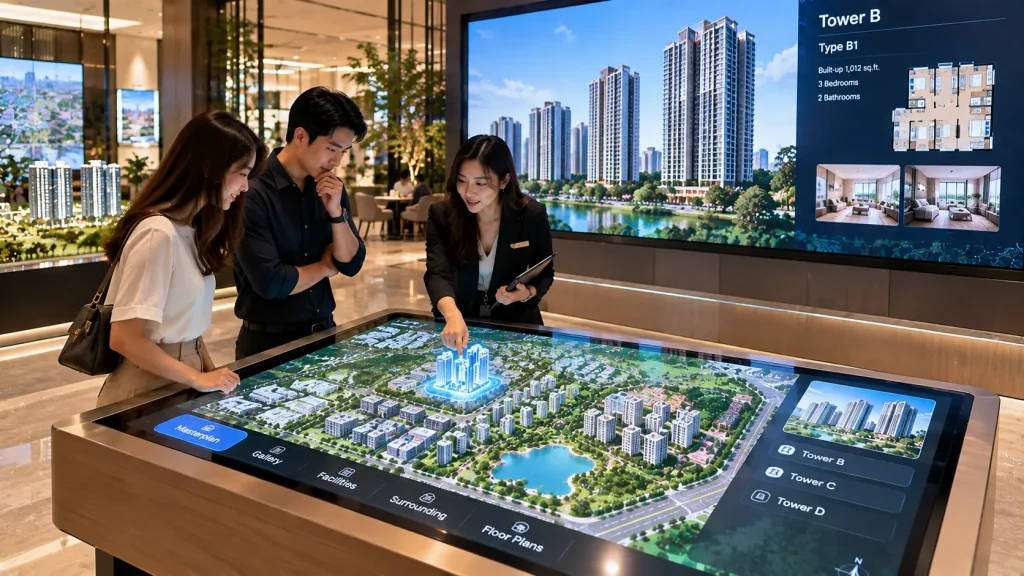
Transform a property development masterplan into an interactive sales presentation. Visitors can select residential towers, facilities or commercial zones to explore floor plans, 3D visuals and project information.
How it works: A large touchscreen table displays the development layout. Selecting a building opens related content, which can also appear on a connected wall display.
Best for: Property sales galleries, township developments and real estate exhibitions.
2. Tangible Object Recognition Table
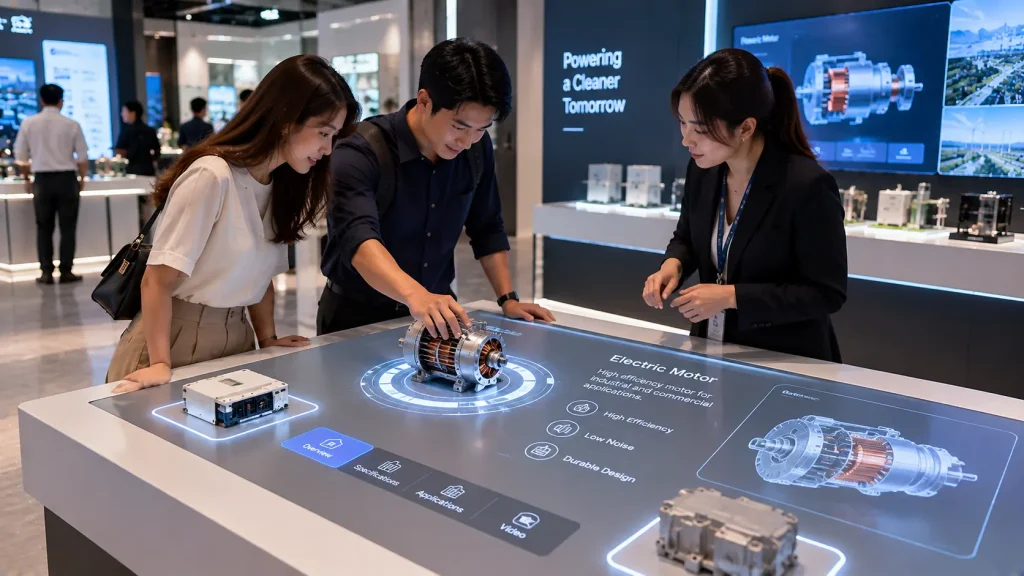
Visitors place physical objects onto designated areas of a table to activate corresponding digital content. For example, placing a miniature product model could reveal its features, internal components or manufacturing process.
How it works: RFID, NFC or suitable object-tracking technology identifies the object and triggers animations or information on the display.
Best for: Product launches, brand experience centres and technology exhibitions.
3. Interactive Museum Artifact Table
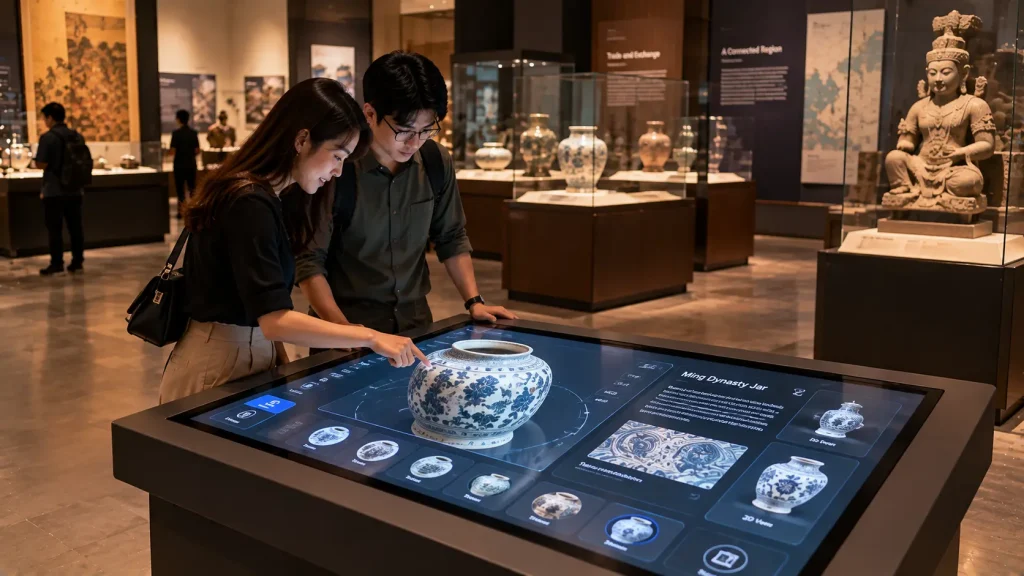
Allow visitors to explore historical objects through high-resolution images, 3D models and interactive storytelling without handling valuable original artifacts.
Visitors can rotate digital objects, zoom into details and discover their historical significance.
How it works: A multi-touch display presents a digital artifact collection with selectable information, images and animations.
Best for: Museums, heritage galleries and cultural exhibitions.
4. Multi-User Product Comparison Table
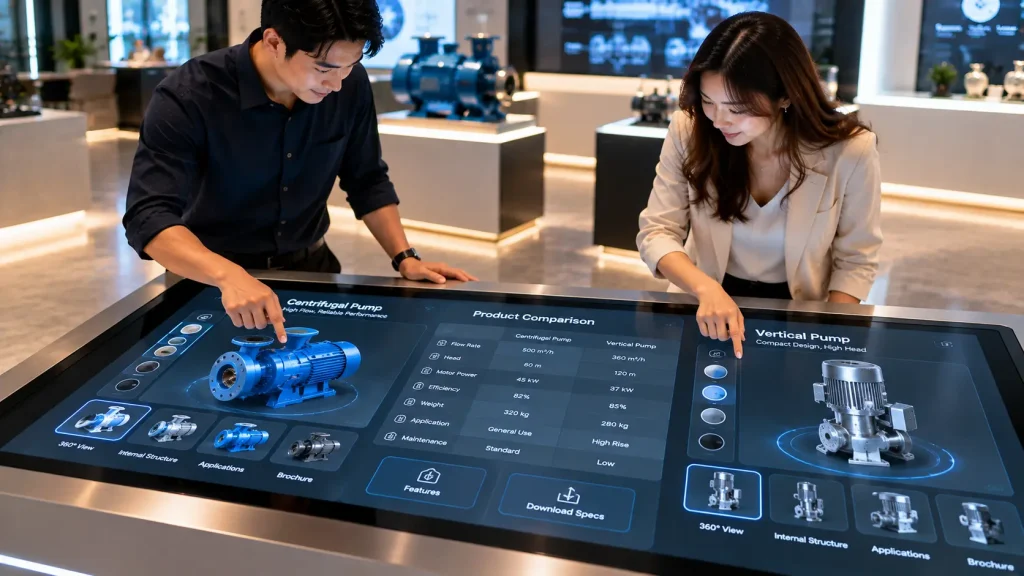
Help visitors compare several products side by side using a shared interactive surface. Users can explore specifications, features, applications and visual differences.
The experience is especially useful for products that require more explanation than a traditional display panel can provide.
How it works: Multiple touch points allow users to select and compare products simultaneously, subject to the hardware and software configuration.
Best for: Automotive exhibitions, electronics brands and corporate showrooms.
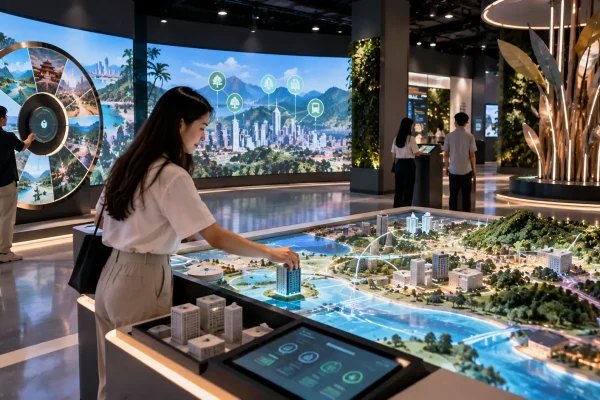
5. Interactive City Planning Table
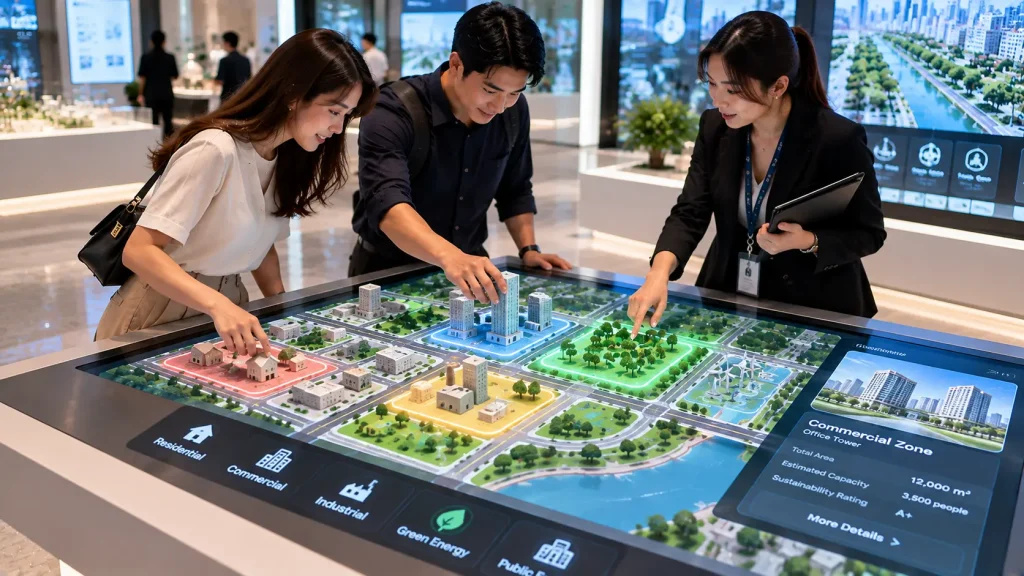
Visitors become city planners by arranging physical building blocks on an interactive table. Adding residential buildings, parks or transport infrastructure changes the digital city simulation.
How it works: The system recognises tagged or tracked physical models and updates the projected city layout. A connected display can show the resulting 3D city environment.
Best for: Smart city exhibitions, urban planning galleries and educational centres.
6. Interactive Restaurant Discovery Table
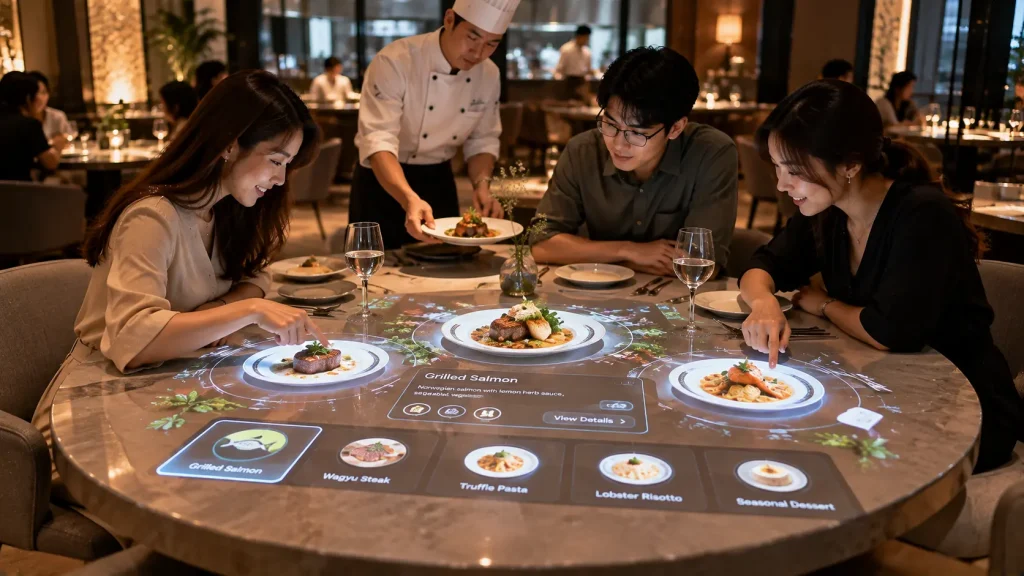
Turn a restaurant table into an interactive discovery experience where visitors explore ingredients, dishes and food stories before ordering.
For example, selecting a dish could reveal its ingredients, preparation process and recommended pairings.
How it works: A suitable touchscreen or projection-based table presents interactive menu content. Ordering integration can be added where required.
Best for: Themed restaurants, hospitality attractions and food exhibitions.
7. Interactive Factory Process Table
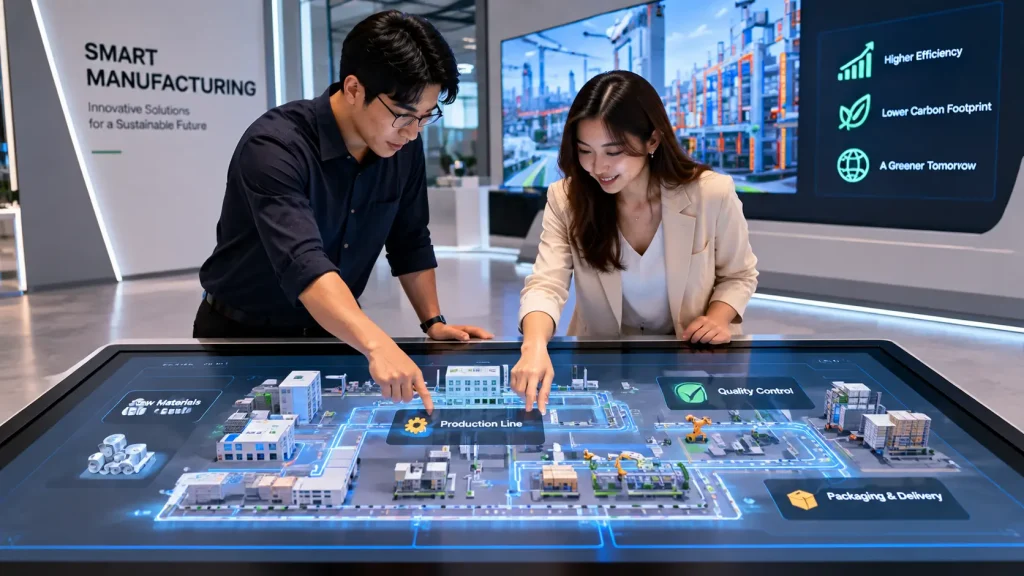
Present a complete manufacturing journey on one interactive surface. Visitors can select different production stages to understand how raw materials become finished products.
The table can also highlight machinery, quality inspection and automation systems.
How it works: A digital factory layout connects each production stage to animations, videos or 3D equipment models.
Best for: Factory visitor centres, industrial exhibitions and corporate experience centres.
8. Interactive Education Puzzle Table
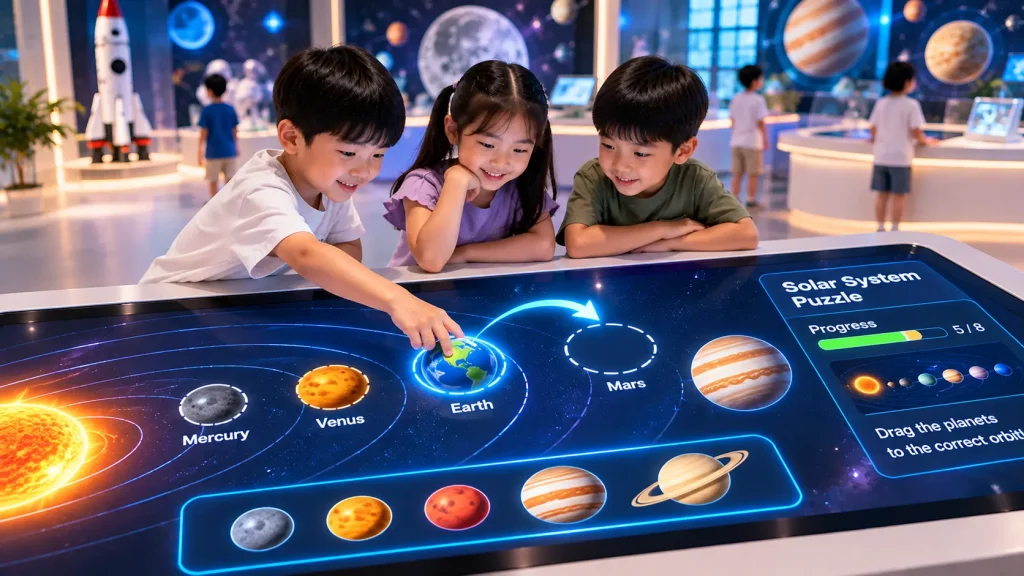
Encourage collaborative learning through digital puzzles, matching games and problem-solving challenges.
Several students can work around the same table to complete activities involving science, geography or environmental education.
How it works: Multi-touch software detects player selections, checks answers and provides immediate visual feedback.
Best for: Science centres, museums, schools and children’s discovery centres.
9. Interactive Automotive Configuration Table
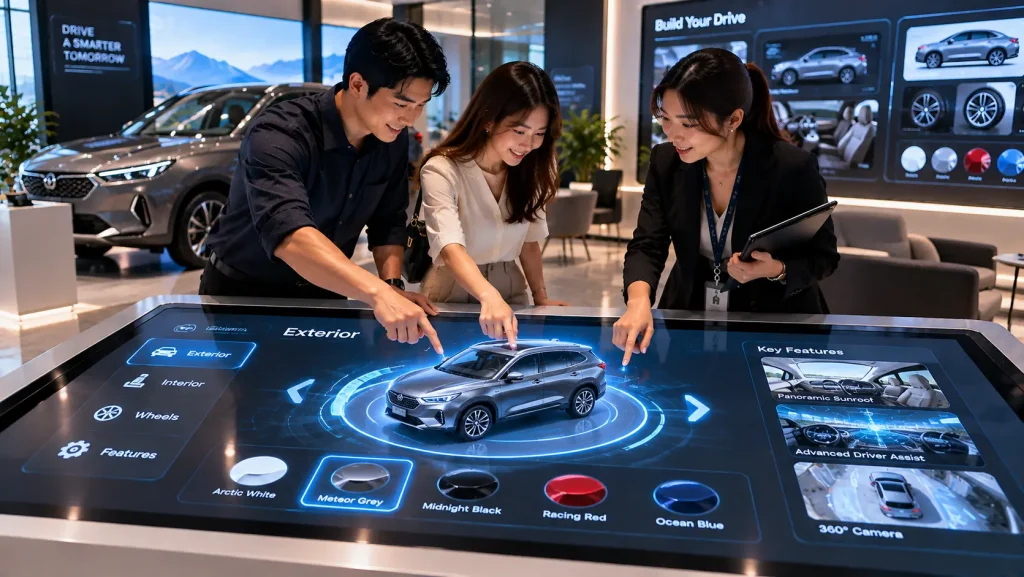
Let visitors personalise a vehicle by selecting its colour, wheels, interior finishes and available features.
Changes appear on a 3D vehicle model, helping customers visualise different configurations before making a purchase decision.
How it works: A touchscreen interface controls a real-time 3D vehicle configurator, optionally synchronised with a larger display.
Best for: Automotive showrooms, vehicle launches and motor exhibitions.
10. Interactive Sustainability Decision Table
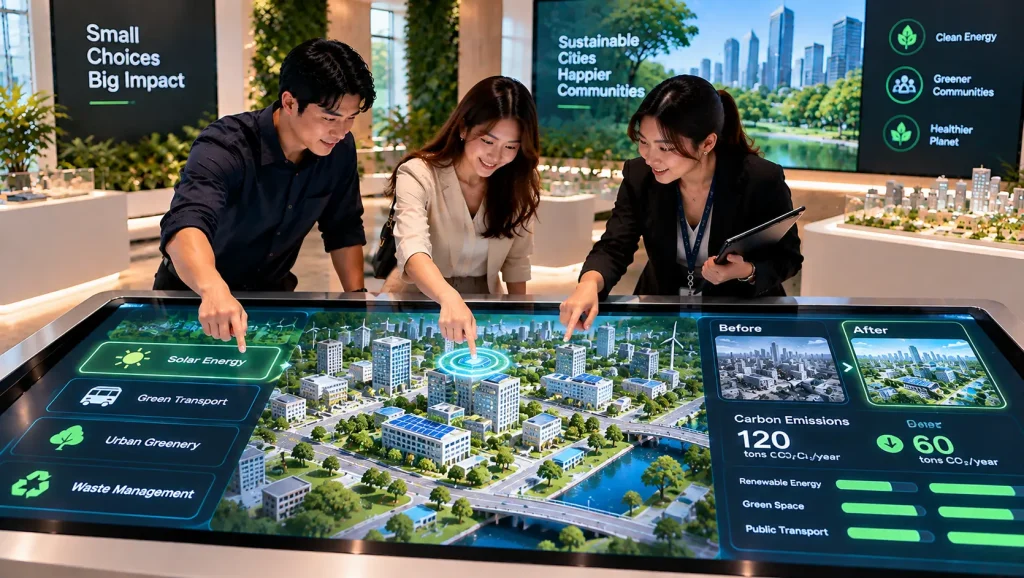
Visitors explore how different decisions influence a city’s environmental performance.
They can choose renewable energy, public transport or green infrastructure and observe the resulting changes in a simulated environment.
How it works: Touchscreen selections update a digital simulation showing changes in selected sustainability indicators. Results depend on the underlying simulation model.
Best for: Sustainability exhibitions, science centres, ESG experience centres and educational galleries.
Choosing the Right Interactive Table
| Project Objective | Recommended Idea |
|---|---|
| Property presentation | Property Masterplan Table |
| Physical product interaction | Tangible Object Recognition |
| Historical storytelling | Museum Artifact Table |
| Product comparison | Multi-User Comparison Table |
| Urban planning | City Planning Table |
| Hospitality engagement | Restaurant Discovery Table |
| Industrial education | Factory Process Table |
| Collaborative learning | Education Puzzle Table |
| Vehicle personalisation | Automotive Configuration Table |
| Sustainability awareness | Sustainability Decision Table |
What Types of Interactive Tables Are Available?
Interactive tables can be designed using different technologies depending on the experience, installation environment and budget.
- Touchscreen Table: Uses a horizontal multi-touch display for maps, product catalogues, games and interactive presentations.
- Projection Interactive Table: Uses a projector and suitable tracking technology to create interactive visuals on a tabletop surface.
- Tangible Interactive Table: Recognises physical objects through RFID, NFC, optical tracking or other suitable sensing technologies.
For most information-based applications, touchscreen tables offer a straightforward solution. Projection and tangible interaction are worth considering when physical objects or more creative engagement are central to the experience.
What Screen Size Is Suitable for an Interactive Table?
Common touchscreen sizes include 32-inch, 43-inch, 49-inch, 55-inch and larger commercial displays, subject to equipment availability.
A 43-inch display can work well for compact exhibition booths, while 55-inch or larger tables provide more space for collaborative exploration.
Screen size should be selected based on the number of users, content layout, viewing distance and available floor space.
For permanent installations, the table’s overall height, viewing angle, accessibility and enclosure design are equally important.
Can Multiple Visitors Use an Interactive Table Together?
Yes. A multi-touch interactive table can support several users simultaneously, depending on the display’s touch-point capacity and the software design.
For example, a museum table may allow different visitors to explore separate artifacts, while a product comparison table can display multiple products side by side.
However, supporting multiple touch points does not automatically mean the interface is suitable for multiple independent users. The software must be designed to manage simultaneous interactions effectively.
How Does Tangible Object Recognition Work?
Tangible interaction allows visitors to control digital content using physical objects rather than relying entirely on touchscreens.
For example, placing a miniature car onto a designated area can trigger information about the vehicle’s technology or specifications.
Depending on the project, identification can use RFID, NFC, camera-based recognition or optical markers.
The appropriate technology depends on the object size, placement accuracy, required interaction speed and whether multiple objects must be recognised simultaneously.
What Should Be Considered During Installation?
Interactive table installations require more than selecting a screen and placing it inside a cabinet.
Important considerations include:
- Table dimensions, height and visitor accessibility
- Display brightness and viewing angles
- Touch accuracy and simultaneous user capacity
- Ventilation and computer access for maintenance
- Electrical supply and cable management
- Protective glass and enclosure durability
- Software startup, shutdown and recovery procedures
- Internet connectivity, if required
For public spaces, the table should be designed for repeated use, with stable mounting and appropriate protection for its intended environment.
How Much Does an Interactive Table Cost in Malaysia?
The cost of an interactive table in Malaysia depends on the hardware, enclosure design, interactive software and installation requirements.
Key cost factors include:
- Touchscreen size and commercial display specifications
- Standard or custom-built table enclosure
- Touchscreen, projection or tangible recognition technology
- Custom interface and software development
- 2D animation, 3D models and multimedia content
- Integration with external screens or other systems
- Rental duration or permanent installation
- Delivery, installation, testing and technical support
A standard interactive information table generally requires less custom development than a tangible city-planning table with physical models and real-time simulation.
For an accurate quotation, the intended experience and hardware requirements should be confirmed first.
Frequently Asked Questions
Can an interactive table connect to a larger LED screen?
Yes. An interactive table can be integrated with an external LED display, television or projector to present selected content to a wider audience.
Can the content be updated after installation?
Yes, provided the software is designed to support content updates. Updates may be managed through an administration interface or require software maintenance, depending on the system.
Can an interactive table operate without internet?
Yes. Many interactive applications can run locally without a continuous internet connection. Cloud-based services, online databases and remote updates may require connectivity.
Is an interactive table suitable for permanent installation?
Yes. Commercial-grade displays, suitable enclosures, ventilation and maintenance access should be considered for long-term operation.
Custom Interactive Table Solutions in Malaysia
MyDigital Asia develops custom interactive experiences for property galleries, museums, exhibitions, corporate showrooms and experience centres in Malaysia.
Our solutions can incorporate touchscreen applications, interactive maps, tangible object recognition, 3D visualisation and integration with external displays.
Planning an interactive table project? Share your intended application, preferred screen size, installation location, content requirements and project timeline with MyDigital Asia to discuss a suitable solution and quotation.
Related Interactive Technology Guides
- Interactive Installation Malaysia
- 10 Interactive Exhibition Booth Ideas
- 10 Physical-Digital Interactive Experience Ideas
- 10 Interactive Wall Ideas
- 10 Interactive Floor Ideas
Request a Free Consultation
Looking for Interactive Maps, Interactive Solutions or Event Technology?

LATEST POSTS