
Interactive Hospital Wayfinding
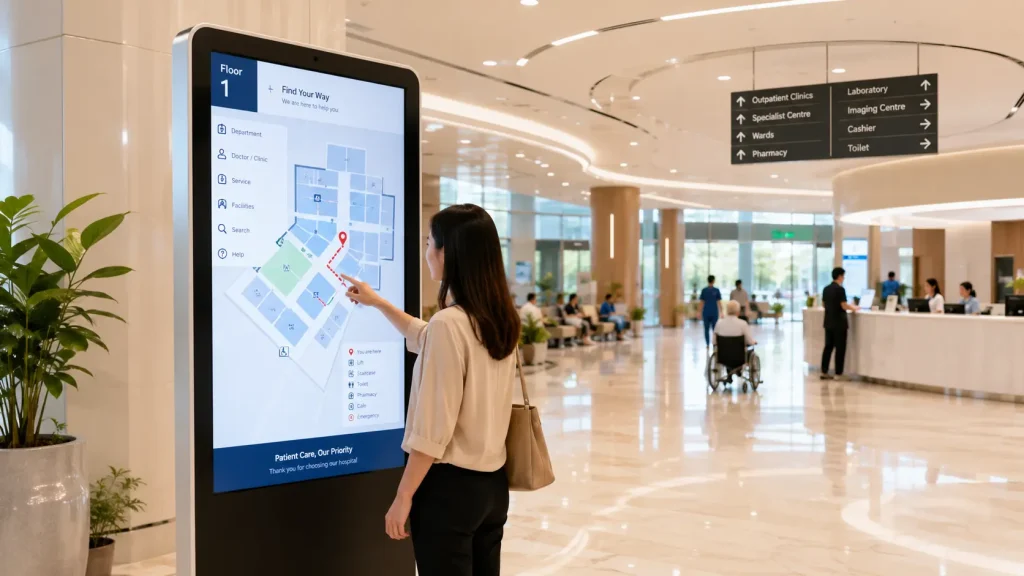
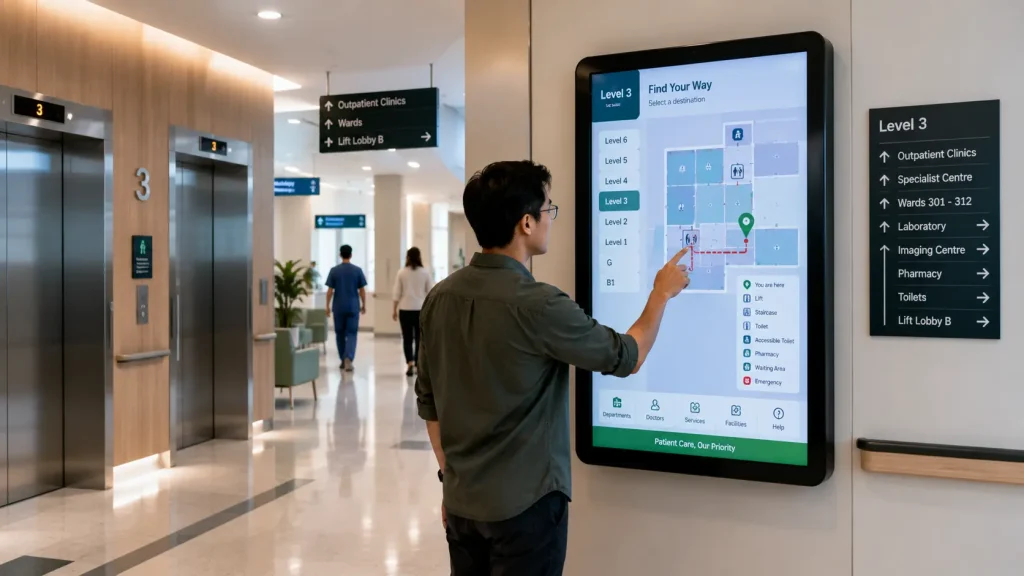
Interactive Hospital Wayfinding solutions help patients, visitors and healthcare staff navigate complex medical facilities through intuitive touchscreen technology. Instead of searching for signs or repeatedly asking for directions, visitors can quickly locate clinics, wards, pharmacies, laboratories, registration counters and other hospital facilities.
Modern hospitals often consist of multiple buildings, floors, specialist departments and interconnected facilities. Interactive wayfinding provides clear digital navigation that helps visitors understand where they are, where they need to go and how to reach their destination efficiently.
Key Takeaways
- Improve patient and visitor navigation.
- Reduce directional enquiries at reception counters.
- Help visitors locate clinics, wards and departments quickly.
- Support multilingual and accessible hospital navigation.
- Update hospital wayfinding information easily through CMS.
Why Hospitals Need Interactive Wayfinding
Hospitals are among the most challenging public environments to navigate. Patients may need to locate registration counters, outpatient clinics, diagnostic centres, laboratories, pharmacies, specialist departments or wards within a limited amount of time.
Traditional directional signs provide general guidance, but first-time visitors can still become confused when navigating multiple buildings, floors and interconnected corridors.
An Interactive Hospital Wayfinding system allows visitors to search for a department, clinic, doctor or service and receive clear visual navigation instructions. This improves the patient journey while reducing the amount of time frontline staff spend repeatedly providing directions.
The system can also provide visitor guidelines, operating hours, emergency information and important hospital announcements, transforming the touchscreen into both a navigation and communication platform.
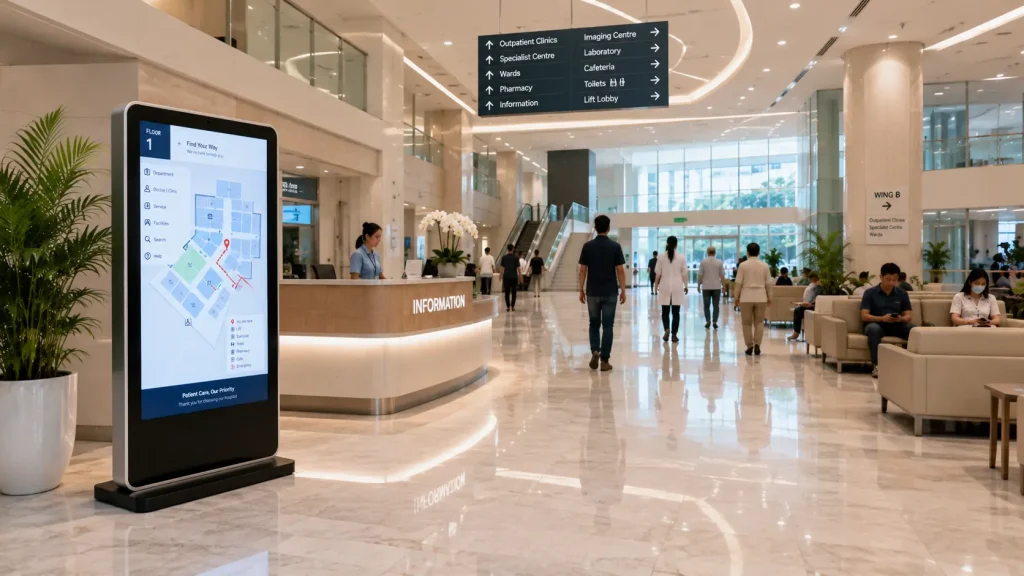
Common Features of Interactive Hospital Wayfinding
Department & Clinic Search
Patients can search for departments including Emergency, Radiology, Pharmacy, Laboratory, Specialist Clinics, Wards and Administrative Offices through a simple touchscreen interface.
Interactive Route Guidance
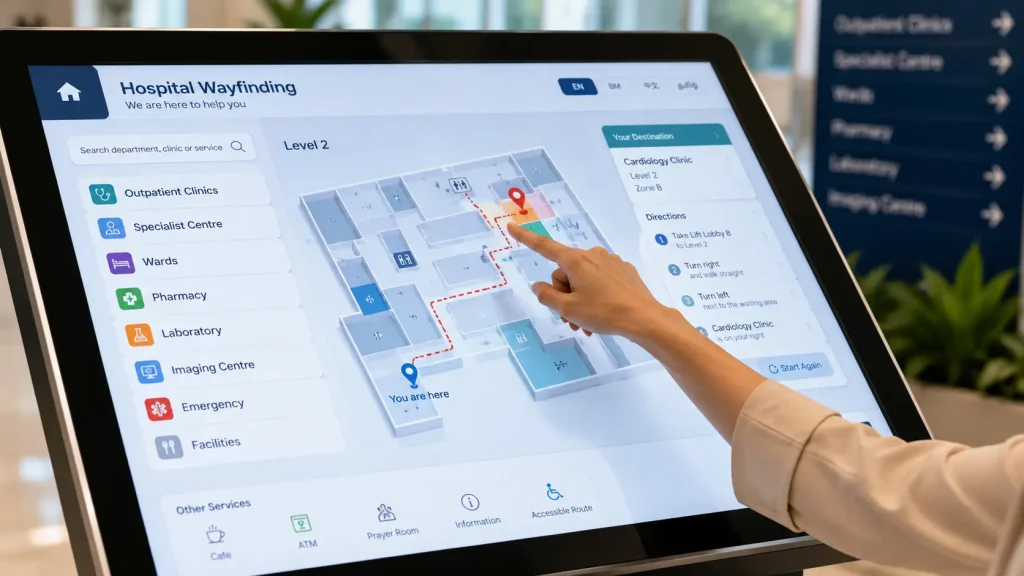
Digital maps display clear visual routes from the visitor’s current location to the selected destination, including corridors, entrances and important navigation points.
Multi-floor Navigation
Visitors can receive guidance between different floors while the system clearly identifies lifts, staircases and connecting areas required to reach their destination.
Doctor & Service Search
Visitors can search for doctors, specialist services, consultation rooms or clinics and immediately identify the correct location within the hospital.
QR Code Mobile Navigation
After selecting a destination, visitors can scan a QR code and continue viewing the navigation information on their smartphone while moving through the hospital.
Accessibility Support
Wheelchair-friendly routes, accessible entrances, lifts and barrier-free pathways can be highlighted to create a more inclusive navigation experience.
Benefits of Interactive Hospital Wayfinding
- Improve patient experience
- Reduce visitor confusion
- Help patients reach appointments more efficiently
- Reduce pressure on reception counters
- Support navigation across multiple floors and buildings
- Provide multilingual navigation
- Improve accessibility
- Keep navigation information updated digitally
- Reduce dependency on printed directories
- Create a smarter healthcare environment
Suitable Applications
- Public Hospitals
- Private Hospitals
- Medical Centres
- Specialist Hospitals
- University Hospitals
- Healthcare Campuses
- Diagnostic Centres
- Rehabilitation Centres
- Medical Research Institutes
- Government Healthcare Facilities
Hardware Options
An Interactive Hospital Wayfinding system can be installed at hospital entrances, registration areas, outpatient clinics, lift lobbies, information counters and other high-traffic locations. Hardware can be selected according to visitor volume, available space and hospital operational requirements.
- 43-inch Interactive Touchscreen
- 55-inch Freestanding Hospital Wayfinding Kiosk
- 65-inch Interactive Navigation Display
- 75-inch Interactive Information Wall
- 86-inch Smart Hospital Wayfinding Display
- 98-inch Premium Healthcare Information Wall
- Portrait Touchscreen Kiosk
- Landscape Interactive Directory
- Wall-mounted Digital Wayfinding Display
- Custom Healthcare Wayfinding Kiosk
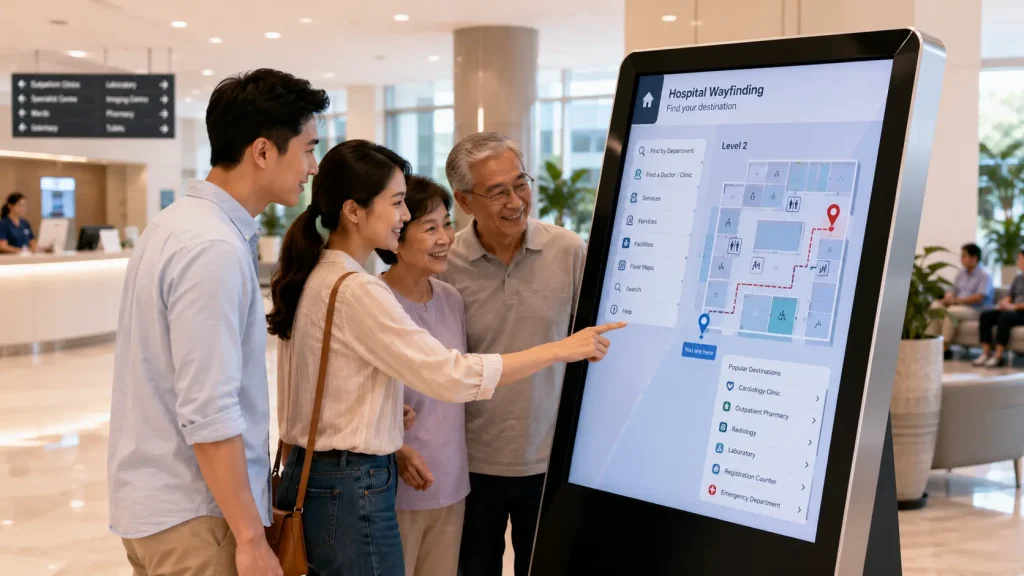
Interactive Software Features
Every hospital has a different building layout, department structure and patient journey. Our software is fully customised to match the healthcare environment while providing a simple and intuitive navigation experience for patients, visitors and staff.
- Hospital Department Directory
- Doctor & Clinic Search
- Interactive Floor Maps
- Step-by-step Route Guidance
- Multi-floor Navigation
- Ward & Room Finder
- Lift & Staircase Guidance
- Pharmacy Information
- Laboratory & Diagnostic Centre Directory
- Accessible Route Navigation
- Visitor Guidelines
- Hospital Announcements
- QR Code Mobile Navigation
- Multi-language Support
- Custom Hospital Branding & UI
Content Management System (CMS)
Healthcare facilities frequently update clinic locations, department names, doctor information, visitor policies and public announcements. Instead of replacing printed directories or manually updating every touchscreen, authorised staff can manage information through our browser-based Content Management System (CMS).
The CMS allows hospital administrators to:
- Update department locations
- Add new clinics and healthcare services
- Edit doctor and specialist information
- Update floor maps and navigation destinations
- Change ward and room information
- Publish visitor notices
- Display health campaigns
- Upload hospital images and videos
- Manage multiple languages
- Schedule future content updates
This ensures patients and visitors receive accurate navigation information while reducing printing costs and simplifying ongoing content management.
Creating a Smarter Healthcare Experience
Interactive Hospital Wayfinding is more than a digital navigation system. It helps create a smoother and less stressful healthcare journey by giving patients and visitors clear information from the moment they enter the hospital.
Visitors can search for departments, specialist clinics, doctors, pharmacies, laboratories and wards before receiving clear visual directions. QR code integration can also allow users to continue viewing navigation information on their smartphones while moving through the facility.
The solution can integrate with digital signage, queue management systems, appointment kiosks, visitor management platforms and other smart hospital technologies to create a more connected healthcare environment.
Why Choose MyDigital Asia?
MyDigital Asia develops customised interactive solutions for hospitals, medical centres and healthcare facilities throughout Malaysia.
Our complete solutions include:
- Interactive Hospital Wayfinding Systems
- Interactive Hospital Maps
- Touchscreen Software Development
- Custom CMS Development
- Healthcare Information Kiosks
- Hospital Directory Systems
- Custom UI / UX Design
- 2D & 3D Interactive Maps
- QR Code Navigation Integration
- Digital Signage Integration
- Nationwide Installation & Technical Support
Frequently Asked Questions
What is Interactive Hospital Wayfinding?
Interactive Hospital Wayfinding is a touchscreen-based navigation system that helps patients and visitors locate clinics, departments, wards and other hospital facilities through interactive digital maps and visual route guidance.
Can the wayfinding system be customised for our hospital?
Yes. Every solution can be customised according to your hospital layout, departments, branding, visitor journey and operational requirements.
Can hospital information be updated later?
Yes. With the optional CMS, authorised staff can update departments, doctors, destinations, floor maps, announcements, images and other information without programming knowledge.
Can the system support multiple languages?
Yes. English, Bahasa Malaysia, Chinese and other languages can be added depending on the hospital’s patient and visitor requirements.
Can visitors continue the route on their smartphones?
Yes. QR code integration can allow visitors to transfer selected destination or route information from the touchscreen to their mobile devices for easier navigation through the hospital.
Can the system operate without Internet?
Yes. The core wayfinding application can be configured to operate locally for reliable day-to-day use, while optional network or cloud connectivity can be used for remote content management and synchronisation.
Related Articles
- Interactive Wayfinding Malaysia
- Interactive Hospital Map
- Interactive Maps Malaysia
- Interactive Office Directory Map
- Interactive Shopping Mall Map
- Interactive Campus Map
- Interactive Museum Map
Improve Hospital Navigation with Interactive Wayfinding
Interactive Hospital Wayfinding helps patients and visitors navigate complex healthcare facilities with greater confidence while reducing confusion, improving operational efficiency and creating a better overall healthcare experience.
MyDigital Asia provides complete turnkey solutions including premium touchscreen hardware, customised wayfinding software, interactive maps, CMS integration, UI / UX design and nationwide installation for hospitals and medical centres across Malaysia.
Contact MyDigital Asia today to discuss your Interactive Hospital Wayfinding project.
Request a Free Consultation
Looking for Interactive Maps, Interactive Solutions or Event Technology?

LATEST POSTS